

Light 'em up
Part 30 ~ 13 May 2025
Posted: 25 January 2026
We're taking a break from grand designs today to work on some chores. Wait, what? CHORES? In MY block game? Yes, that's right! I'm taking on the role of the exasperated parent and telling you, dear reader, to tidy your room! No, wait, too real... What I meant to say is – LIGHT UP YOUR CAVES. But unlike your parents, I'm going to be better by (1) doing it myself too, and (2) laying out some compelling reasons as to WHY you should do this. So craft up some torches and let's head underground!
A little storytime before we start. This topic actually spawned from my experience on multiplayer servers! On several occasions, I've had admins nag me to "light your caves" because "you're lagging the server". At times, they were really snippy about it, going as far as to make players pay in diamonds to have someone do the job for them. At the time I didn't believe them – if anything, I thought placing a bunch of these little animated light sticks would CAUSE lag – but I've since come to understand the game mechanics that matter. So this is me passing the torch (ha!) to you, for a better forever world!
So, Ela, why are you making me do this? The simple and obvious answer is, to stop monsters from spawning! Why does this matter when you're at your base on the surface and not actually in the caves? There's more to it than you might think!
- Game performance. Having 70 mobs (that's the standard mob cap) wandering around underground takes a fair bit of processing power. If your base has villagers, animal farms, redstone contraptions, or other moving parts, this can tip you over into lag territory.
- Resources. There's diamonds down there with your name on them! But more generally, every block is a potential resource or construction material, and having safe access to these is super valuable.
- Real estate. The caves are a whole other world since the 1.18 update. Especially if you have one of those wide open caverns, it's worth securing as a potential build location. I personally like to use these spaces for redstone-based farms :)
- Endermen. These fellas have a habit of teleporting up to the surface at night and rearranging things (unless you've disabled their block pickup like I have lol).
- Slimes. These are the only overworld mobs that ignore light for random spawns, so when you're done lighting up you actually stand a good chance of finding these. Using the chunk overlay and some fences, you can even pin down a slime chunk without external tools!
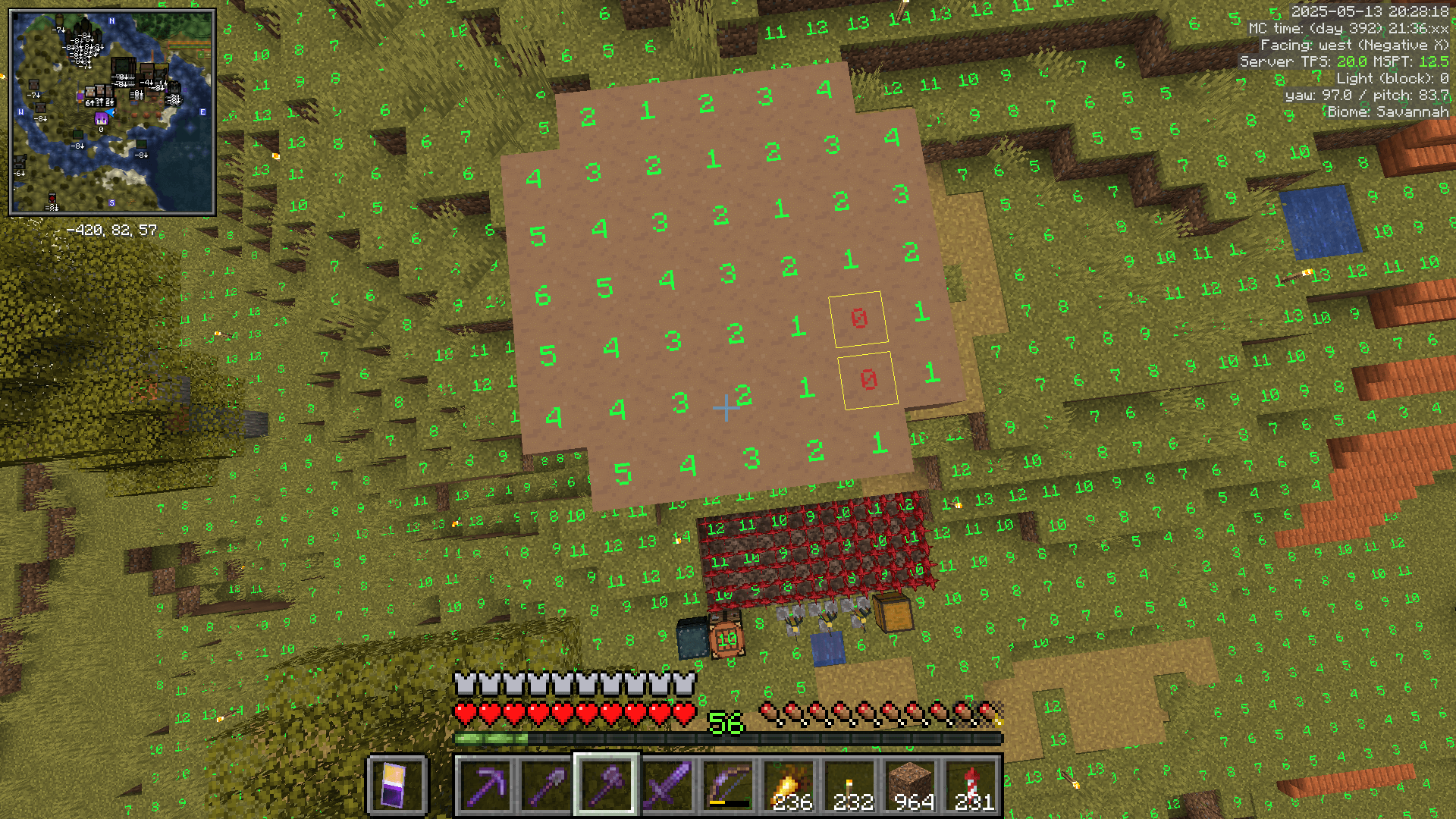
- Finding spawnable spots on the surface. Once your caves are lit up, any gaps in your surface spawnproofing will soon become apparent, because the game will be constantly trying to spawn things in and these will be the only spots available.
Convinced yet? Good. So where do we begin? Well, if you're running strictly vanilla, you can dig down til you hit a cave and then explore every dead end... but I can almost guarantee that (1) there will be pockets that you miss and (2) you end up way outside the area of your base at some point. I'm going to show a more streamlined approach with some quality-of-life modded magic, and demonstrate the effects of spawnproofing along the way!
MiniHUD has a couple of awesome tools for this purpose. One – you've likely seen me use this already – is the light level indicator that glows red when a tile is completely dark. The second is the Spawn Radius sphere. This places a red sphere around your location with a whopping 128 metre radius – that's how far away hostile mobs can exist. Taking a peek underground using Freecam gives a glimpse of the situation: some of the caves are lit from my earlier expeditions, some of them are flooded and will only spawn glow squid (we won't worry about those), and the rest are dark and full of scary monsters. Freecam is a godsend for this task – it may be cheaty, but good luck finding isolated cave pockets without it. One server that I played on straight up let me use Spectator Mode for this. Freecam feels like a downgrade!

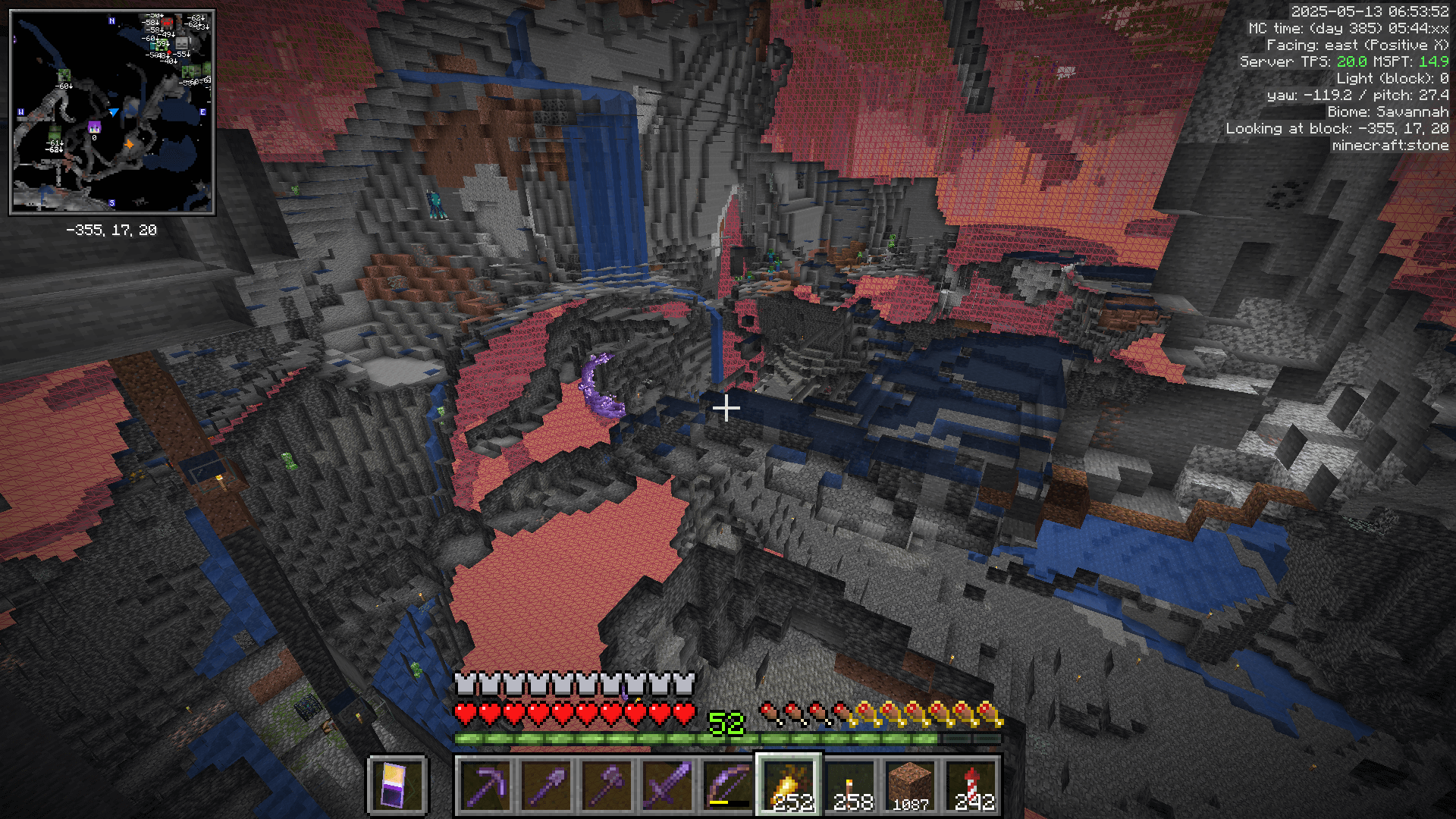
I found a big pocket of unlit cave connected to the mineshaft area, so I headed that way and braced myself for combat. Oh yes, there will be combat. Bring your finest gear! See, the thing about the mob cap is, Minecraft is determined to place 70 monsters within 128 blocks of you. When all around you is in darkness, the laws of probability ensure that there will be an even spread of beasties all around. But once most of your world is bathed in torchlight, the game has no choice but to funnel those same 70 foes into whatever unlit space it can find. So while the caves beneath the mineshaft had merely above average numbers of mobs, by the end of the session I was facing plague-like infestations.
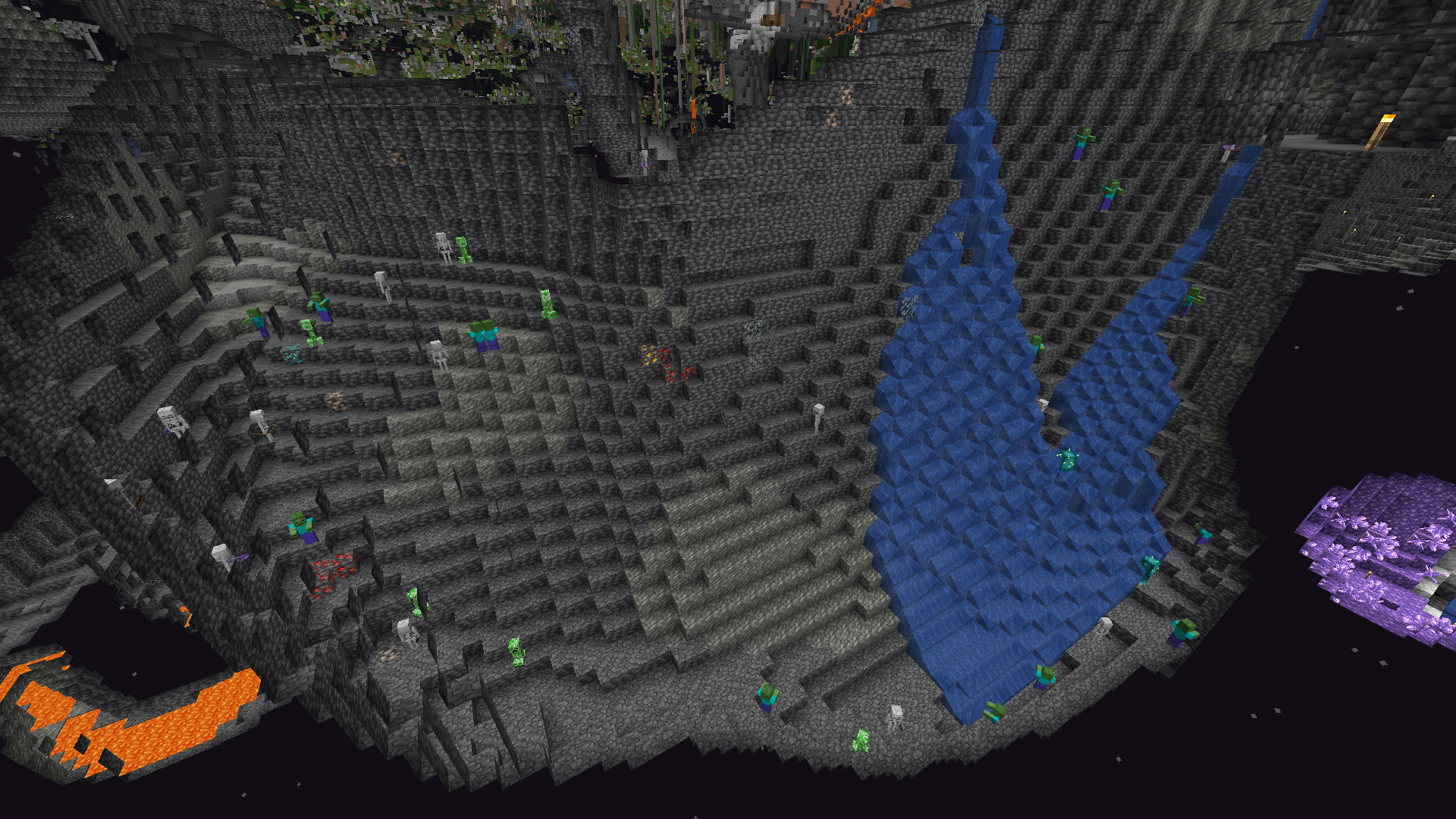
But fear not – we can overcome this with the power of knowledge! (And stealth archery. But mostly knowledge.) The Rules of Minecraft state that, however infested the cave was before you got there, no mob shall spawn within 24 metres of your current location! Which means that once you've cleared out the immediate area, you have free reign to torch it up, and the monsters won't come back. Also, if you're feeling brave, just sprinting around and planting torches works remarkably well – they can't keep up, and you're cutting them off at the source. If you have endgame gear then you really don't need to fear common mobs and any approach will work. I'm actually trying to melee kill as many creepers as possible to collect gunpowder, so I kinda just played the tank after my opening round of archery!
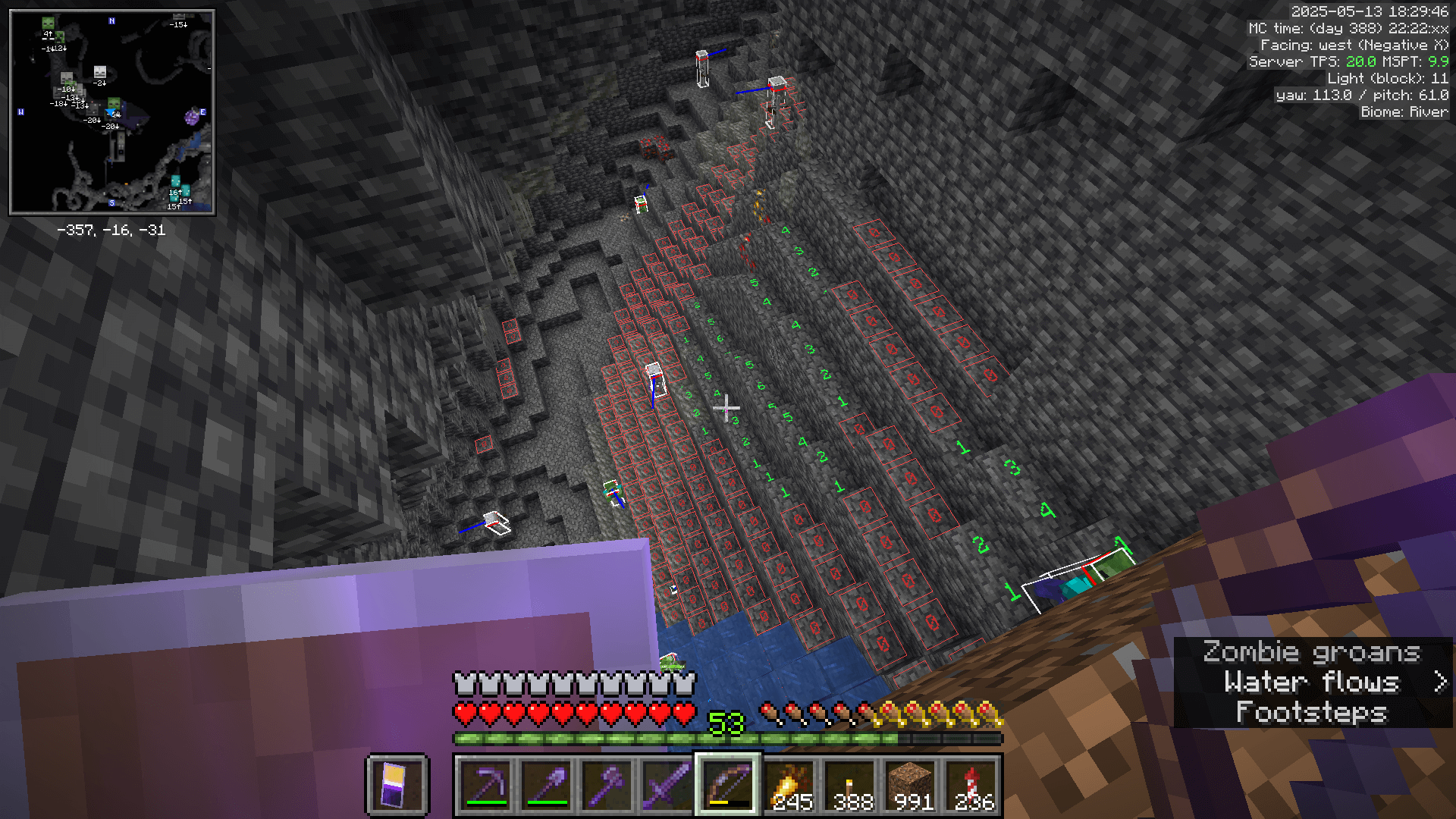
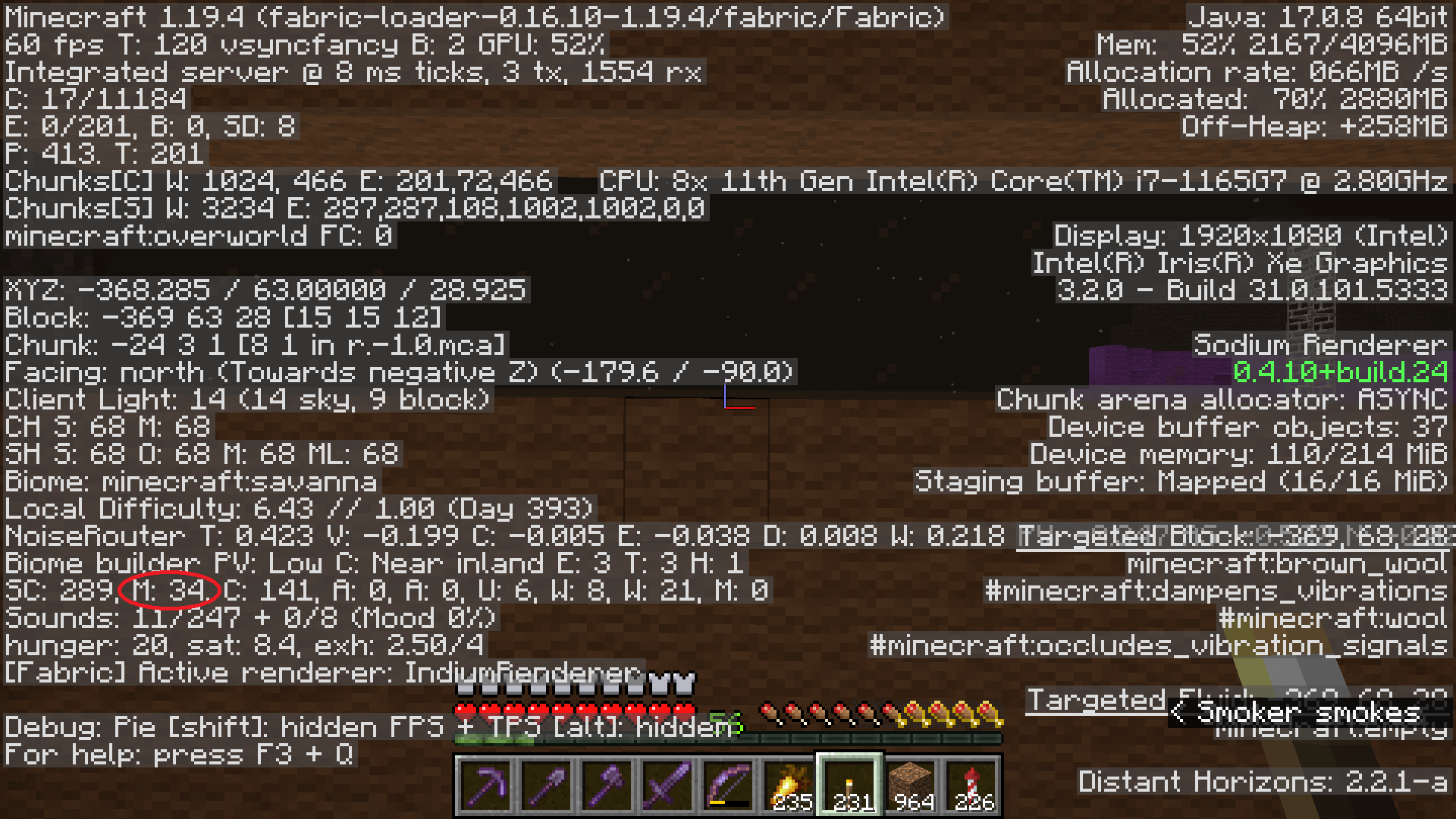
Okay, several hours later, I've lit up my caves... mostly. I've missed a few tiny pockets, and a few spots right at the edge of the sphere. But it's good enough that the hostile mobs are under the mob cap. How do I know that? Well, I have some cold, hard data from the F3 screen. The "M" number on the entities row (near the bottom), representing hostile mobs, is topping out at around 35, only half of the cap. By comparison, when I head over to the pillager tower, it immediately jumps to 70. So, yes, I now have 35 fewer monsters roaming near my base!
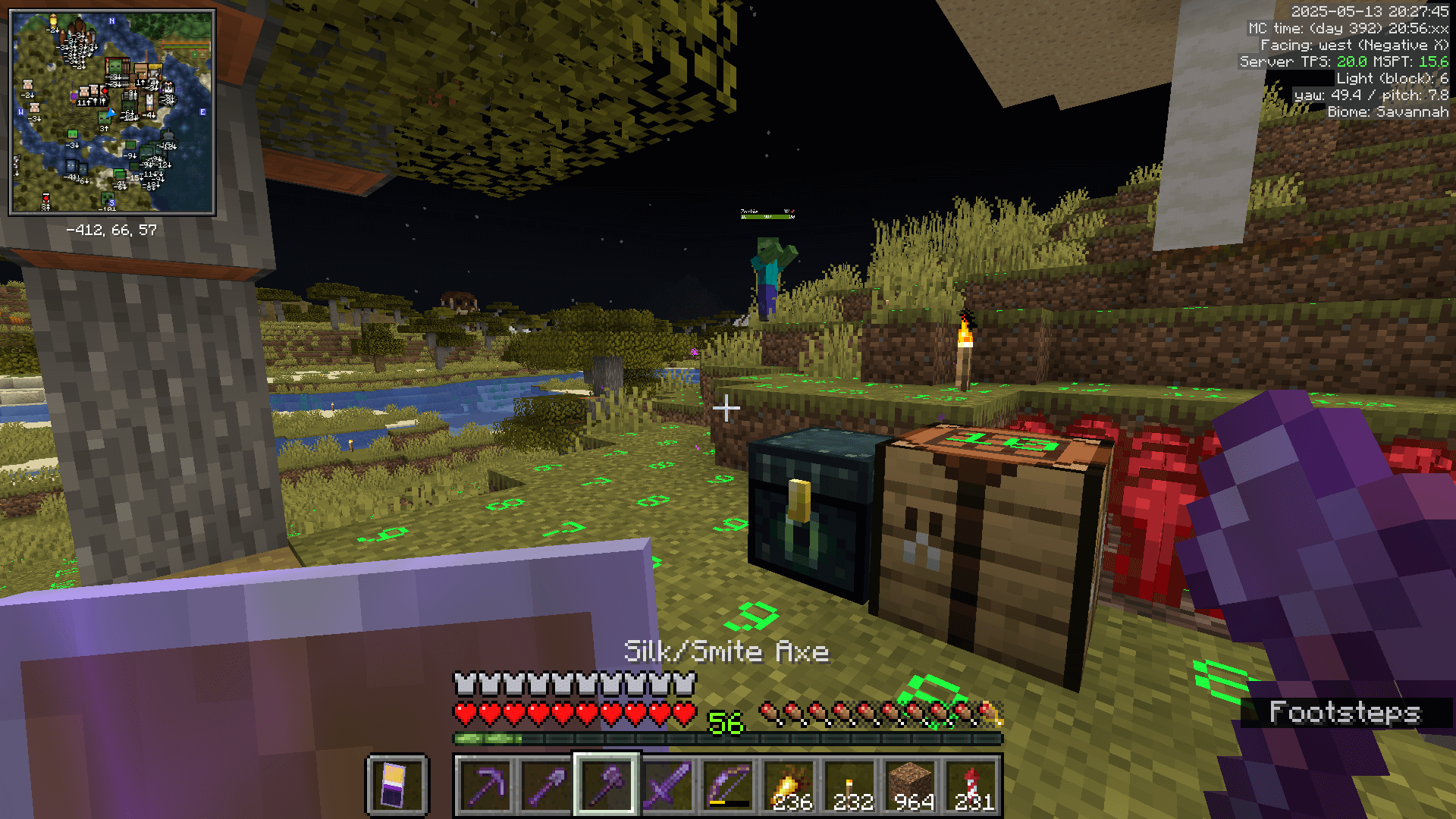
Also, remember my last bullet point about surface spawnproofing? I was surprised to find a zombie in my brewing area – it had spawned on top of the big mushroom, where there were just two spawnable tiles! I might never have spotted this hole in my defenses otherwise. On the flipside though, I now have way more drowneds spawning in the ocean at night... It seems the seas are in need of some lighting too – and sea pickles on the bottom aren't going to cut it. But hey – we'll SEA to that problem at a later date! :D